HFC vs FTTP: how the two fastest NBN connections compare
HFC and FTTP are the only NBN connection types that can access every speed tier, up to 2,000 Mbps. This guide explains where they differ, from upload speeds to reliability, and whether you can switch.
On this page
- Quick facts
- HFC vs FTTP at a glance
- What's the difference between HFC and FTTP?
- HFC vs FTTP speeds
- Upload speed is the main difference
- Reliability and real-world performance
- Equipment and installation
- What happens in a blackout?
- Can you switch from HFC to FTTP?
- Which is better for your home?
- For most households
- If you upload a lot
- If you're moving house or buying a property
If you're after the best internet connection, HFC and FTTP are the two NBN connection types that can handle the fastest home internet plans in Australia. The type you get depends on the technology that is available at your address.
In terms of speed, for most households the difference between them is small, because both can order the same plans up to 1,000 Mbps with the same upload speeds.
At the 2,000 Mbps tier though, FTTP has the edge, with double the upload speed. This guide compares HFC and FTTP on speed, reliability, equipment and power outages, and explains whether you can move from HFC to FTTP.
Quick facts
- FTTP (fibre to the premises) runs fibre optic cable all the way to your home. HFC (hybrid fibre coaxial) uses fibre to a node in your area and the old pay TV coaxial cable for the final connection.
- Both connection types can order nbn's Home Fast, Home Superfast, Home Ultrafast and Home Hyperfast plans.
- On the Home Hyperfast tier, FTTP has wholesale speeds of up to 2,000/200 Mbps, while HFC is limited to 2,000/100 Mbps.
- nbn's August 2026 results statement puts the number of premises on fibre at 3.3 million, and says about 2.5 million HFC premises can now reach wholesale download speeds of 2 Gbps.
- HFC homes aren't part of nbn's free fibre upgrade program, which is aimed at copper based FTTN and FTTC connections.
HFC vs FTTP at a glance
| HFC | FTTP | |
|---|---|---|
| How it reaches your home | Fibre to a node, then coaxial cable to your home | Fibre optic cable all the way to your home |
| Equipment in your home | Coaxial wall outlet and an nbn HFC connection box | Utility box outside and an nbn connection box inside |
| Fastest residential tier | Home Hyperfast, up to 2,000/100 Mbps | Home Hyperfast, up to 2,000/200 Mbps |
| Upload speed on tiers up to Home Ultrafast | Same as FTTP | Same as HFC |
| Where you'll find it | Parts of Sydney, Melbourne, Brisbane, Adelaide and Perth | Across Australia, with more homes added through nbn's upgrade program |
| Free upgrade to FTTP | Not part of nbn's upgrade program | Already full fibre |
What's the difference between HFC and FTTP?
The difference is the type of cable used for the last part of the connection to your home.
With FTTP, nbn runs a fibre optic line from the nearest available fibre node directly to your premises. Data travels as light the whole way, and there's no copper or coaxial cable in the path.
With HFC, nbn uses fibre to reach a node in your area, then uses the existing pay TV or cable network for the final part of the connection. That cable network was originally built by Telstra and Optus in the 1990s, which is why HFC is found in capital cities. nbn says its HFC network serves about 2.5 million homes and businesses in Sydney, Melbourne, Brisbane, Adelaide and Perth.
Coaxial cable can carry far more data than the copper phone lines used by FTTN and FTTC, which is why HFC sits alongside FTTP at the top of the NBN for speed.
HFC vs FTTP speeds
HFC and FTTP can both order every nbn residential speed tier. The table below shows the wholesale speeds for the four fastest tiers, based on nbn's speed tier announcement, which took effect in September 2025.
| nbn speed tier | HFC (download/upload) | FTTP (download/upload) |
|---|---|---|
| Home Fast | 500/50 Mbps | 500/50 Mbps |
| Home Superfast | 750/50 Mbps | 750/50 Mbps |
| Home Ultrafast | ~1,000/100 Mbps | ~1,000/100 Mbps |
| Home Hyperfast | 2,000/100 Mbps | 2,000/200 Mbps |
These are wholesale speeds, which are the maximum speeds nbn delivers to your provider. The speed you actually get depends on your plan, your provider and your home setup, and nbn notes that actual wholesale speeds on Home Ultrafast will be less than 1,000 Mbps due to equipment and network limitations.
For the three tiers up to Home Ultrafast, there's no speed difference between HFC and FTTP at all. The only gap is on Home Hyperfast, where FTTP has double the upload speed.
Availability of the fastest tiers can also depend on local network capacity. nbn's announcement says availability is subject to the capacity within each HFC segment (the group of homes sharing the same section of cable network), and to capacity on FTTP equipment as well. If a provider can't place a Home Hyperfast order at your address, this is usually why.
Upload speed is the main difference
For most households, download speed is what matters day to day. Streaming, browsing and downloading games all rely on downloads, and HFC and FTTP are evenly matched there.
Upload speed matters more if you regularly send large files, back up photos and videos to the cloud, livestream, or have several people on video calls at once. On plans up to Home Ultrafast, HFC and FTTP have the same upload speeds, so the difference only shows up if you're choosing a 2,000 Mbps plan.
In that case, FTTP's 200 Mbps upload ceiling gives it a clear advantage over HFC's 100 Mbps.
Upload capacity is the area nbn is working to improve on HFC. Its FY26 Annual Service Improvement Plan describes replacing nodes and amplifiers in targeted areas to add upstream capacity, with 1,000 HFC segments upgraded in FY25 and another 1,000 planned for FY26.
Reliability and real-world performance
Both HFC and FTTP generally deliver speeds close to what your plan promises. The ACCC's final Measuring Broadband Australia report, released in June 2026, found NBN fixed-line services averaged 99.4% of plan download speeds during busy evening hours. The connection type that struggled most was FTTN, with 10.7% of FTTN services classed as underperforming.
FTTP has an advantage on long-term reliability, because there's no coaxial or copper section in the connection that can degrade or pick up interference. nbn's own planning documents reflect this. In the FY26 Annual Service Improvement Plan, internet providers asked nbn for enhancements to the HFC network focused on reliability and performance to match FTTP standards. nbn's response includes an HFC Underperforming Segments program that prioritises the parts of the network with the most problems.
nbn is also investing in HFC's long-term capacity. In a 2024 field trial, nbn tested DOCSIS 4.0 cable modems on its HFC network and recorded wholesale speeds of 8.7 Gbps down and 1.5 Gbps up. nbn said the technology could unlock wholesale capacities approaching 10 Gbps, similar to its fibre network, although it hasn't announced a commercial launch date.
Equipment and installation
Both connection types use an nbn connection box inside your home, and your router plugs into it with an Ethernet cable. The equipment around that box is different.
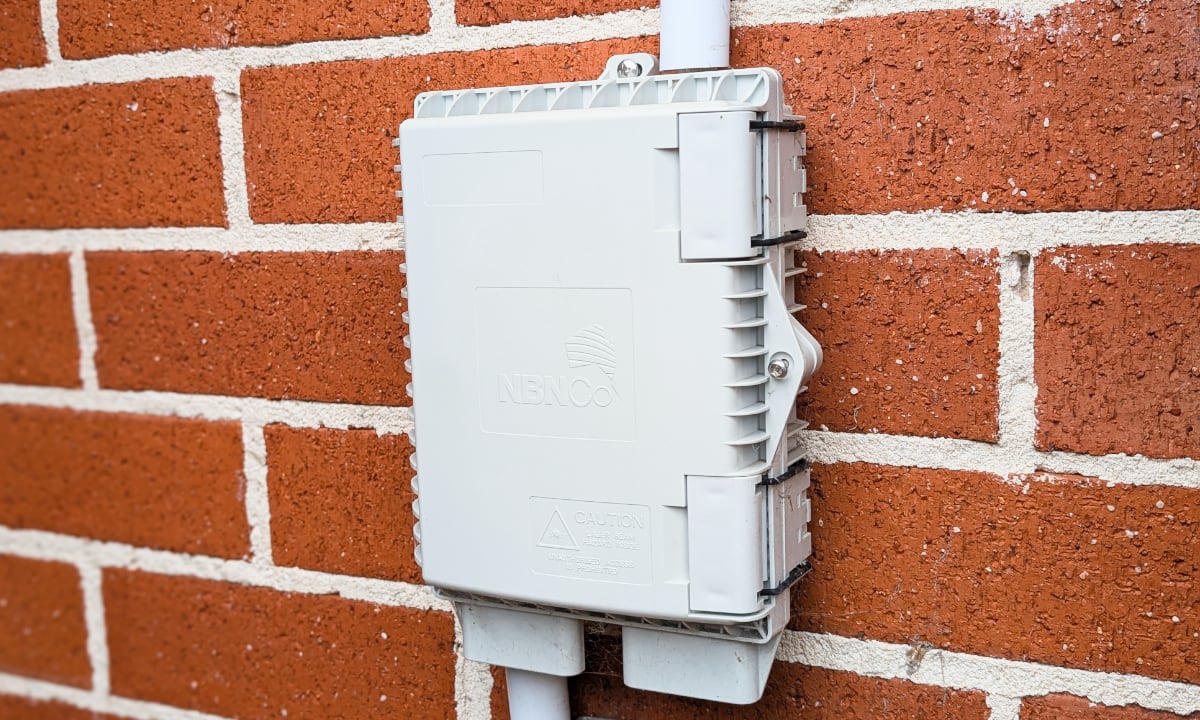
An FTTP home has an nbn utility box mounted outside, usually near the existing telecommunications box, and fibre runs from there to the connection box inside. nbn's FTTP installation guide says the connection box comes in a 1-port version for most homes and a 4-port version for premises that need multiple FTTP services. The box needs to be within 1.2 metres of a power outlet.
An HFC home has a coaxial wall outlet, and the HFC connection box connects to that outlet with a cable. nbn's HFC guide recommends placing the box within 80 cm of a power point. Depending on the premises, HFC is either installed by a technician or set up with a self-install kit.
If you're ordering a 2,000 Mbps plan on either connection type, ask your provider whether you need a newer connection box, and use a router with a WAN port faster than 1 Gbps, such as a 2.5 Gbps port.
What happens in a blackout?
Neither HFC nor FTTP works in a blackout by default. The nbn connection box and your router both need mains power, so your internet and any home phone service that runs over it will stop when the power goes out.
FTTP homes used to have the option of an nbn power supply unit with a battery back-up. According to nbn's battery back-up page, nbn stopped offering this in June 2024, but your provider may be able to arrange one. Existing units provide emergency power to the connection box for up to approximately five hours. The battery doesn't power your router, so you'd still need a separate backup for Wi-Fi.
If you rely on a medical alarm or another device that needs a working connection, talk to your provider about backup options before you connect, whichever connection type you have.
Can you switch from HFC to FTTP?
Not through nbn's free upgrade program. nbn's FTTP upgrade program is for selected homes on FTTN and FTTC, the slower copper based connection types. HFC already supports the fastest speed tiers, so it isn't included.
The other option is nbn's Technology Choice Program, which lets some single premises pay to change their connection to FTTP. nbn quotes each application individually because costs vary with the location and the premises, and it says connection can take up to six months or more. nbn is only accepting applications for some single premises at this time, and it can't quote for complex premises such as apartment buildings.
For most HFC households, paying to switch is hard to justify, because HFC can already order every residential speed tier. It may be worth a quote if you need the higher upload speed of FTTP's Home Hyperfast tier for work.
Which is better for your home?
If you're already connected, there isn't much choice to make, because your connection type is set by nbn's network at your address. The more useful question is what each connection type means for the plan you choose.
For most households
HFC and FTTP perform the same on Home Fast, Home Superfast and Home Ultrafast plans. If you're happy with a plan up to 1,000 Mbps, your connection type makes no difference to the speeds you can order.
If you upload a lot
If you work with large video files, livestream or run a home business that uploads a lot of data, FTTP's 200 Mbps upload on Home Hyperfast gives it an advantage. On HFC, the 100 Mbps upload on Home Ultrafast or Home Hyperfast is still enough for most people working from home.
If you're moving house or buying a property
Check the connection type before you sign a lease or contract by entering the address on the nbn website. Both HFC and FTTP are good outcomes. The connection types to watch out for are FTTN and FTTC, which can't access the fastest plans without an upgrade. Our guide to NBN connection types explains how all seven compare.
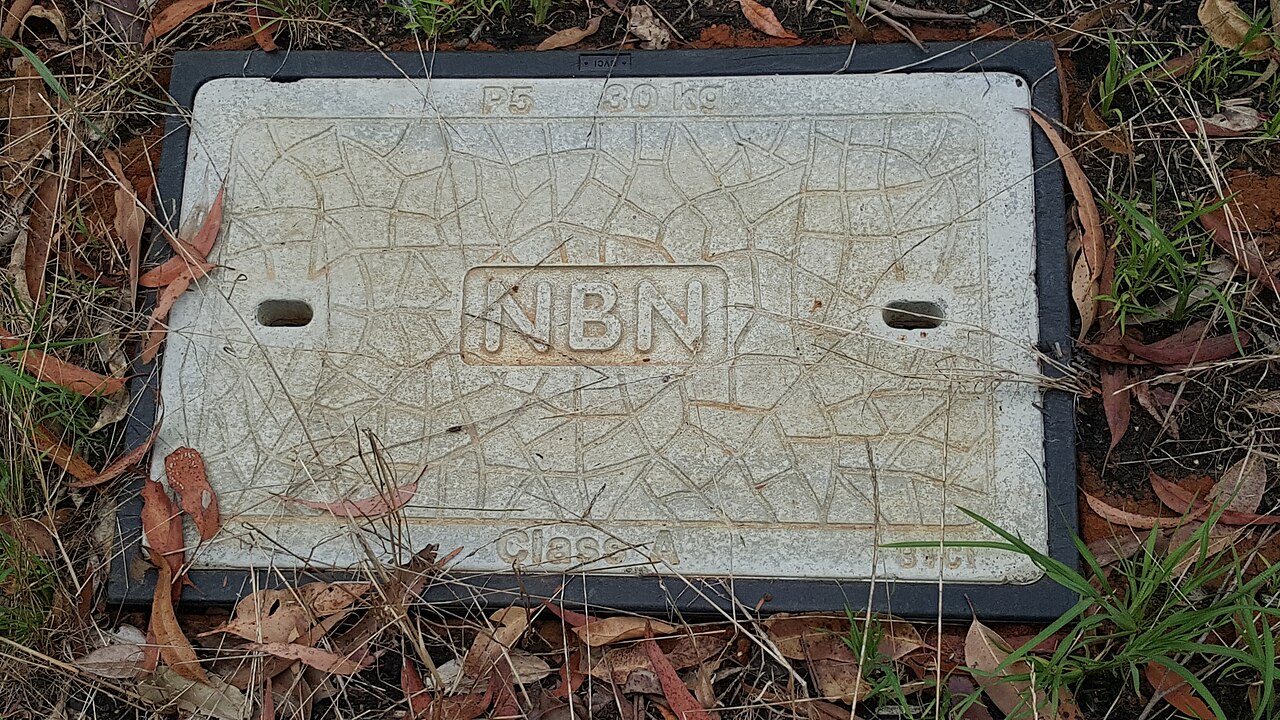
Image: Stephen Shergold, CC0, via Wikimedia Commons

See if you can save
Enter your address and compare plans from Australia's leading retailers.
Frequently asked questions
Is FTTP better than HFC?
Is HFC faster than FTTP?
Is HFC better than FTTN?
Can I upgrade from HFC to FTTP for free?
Will nbn upgrade HFC to FTTP?
Do I need a different router for HFC and FTTP?
How do I know if I have HFC or FTTP?
Keep reading
What is HFC? NBN hybrid fibre coaxial explained
HFC is the NBN connection type that reuses the coaxial cable built for pay TV in the 1990s. Here's how an HFC connection works, what equipment you get, and how it stacks up against full fibre.
NBN fibre upgrades: how to get FTTP
Millions of homes on FTTN and FTTC can now upgrade to full fibre. Here's how the NBN fibre upgrade works, who's eligible, which plan you need, what it costs and what to expect from the FTTP upgrade.
What is FTTP? NBN Fibre to the Premises explained
FTTP runs fibre optic cable all the way to your home, making it the fastest and most reliable NBN connection type. Here's how it works, the speeds it supports and how it compares to Fibre to the Curb.